
Get your receipts logged from Telegram instantly
Sending receipts to an accountant usually means two separate jobs: save the receipt image somewhere, then type the details into a spreadsheet.
This automation does both the moment the receipt is sent. It names and stores the image in Google Drive. Then creates a spreadsheet row from the receipt contents and links to the image.
How it works
Before
After
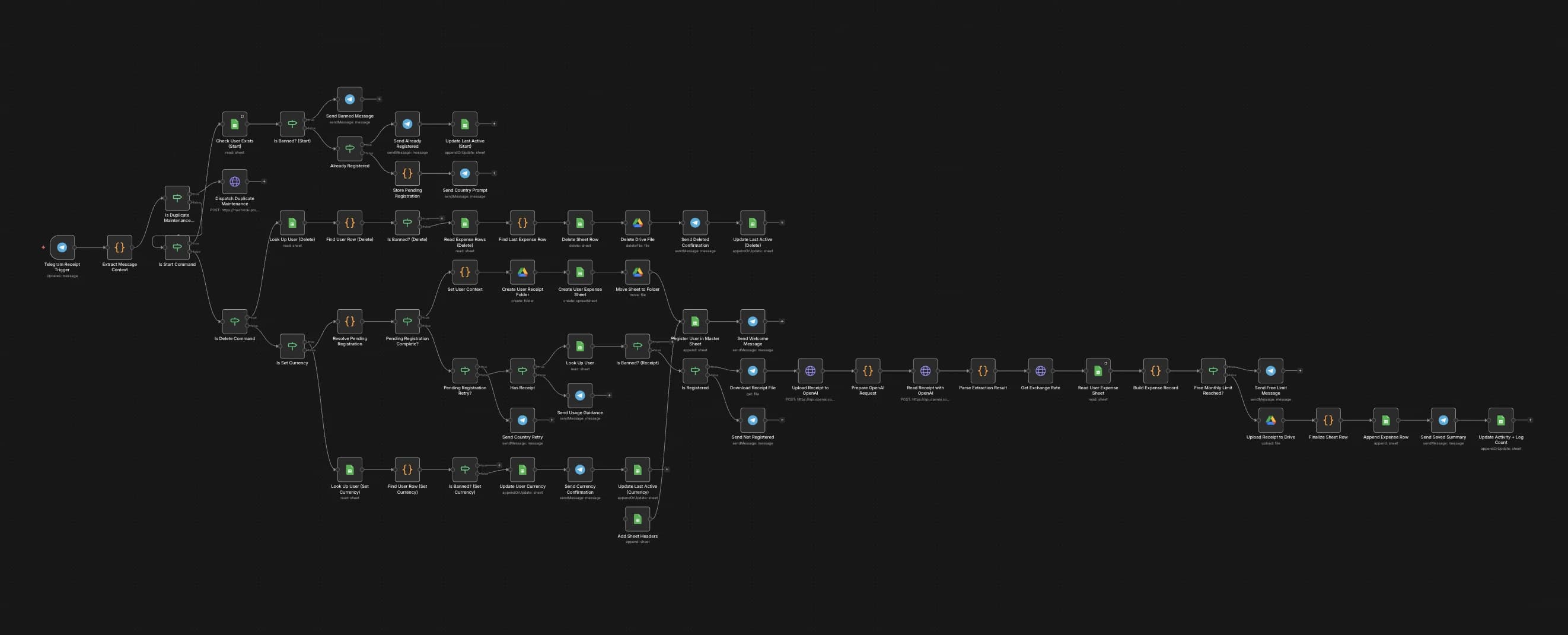
How the workflow looks
The workflow creates new users automatically, creates their Google Drive folder and spreadsheet, then shares the Drive folder link with them in Telegram.
After setup, receipts are logged automatically in the user's selected currency and receipt description language. Each receipt image is stored in their folder, and each spreadsheet row links back to the file.
What this automation uses
Telegram is the input. n8n runs the workflow. OpenAI reads the receipt. Google Drive stores the file. Google Sheets becomes the clean expense log.
Want one for your workflow?
I build practical automations around your actual process.
Receipt tracking is one example. If your team is copying data between chat, spreadsheets, email, CRMs, or folders, there is probably a cleaner workflow waiting to be built.